


Choose VPN Server on Android: Best Guide
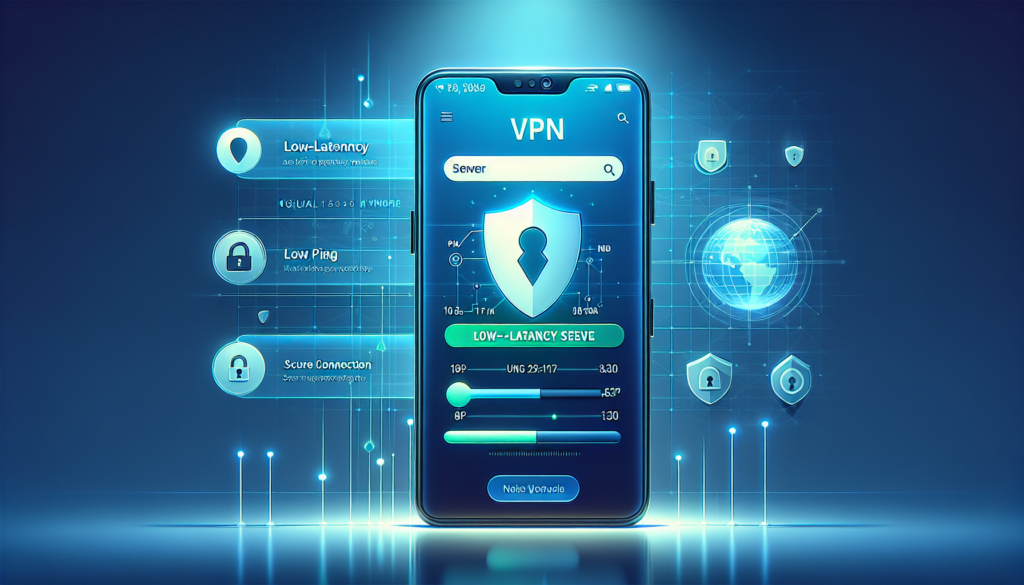
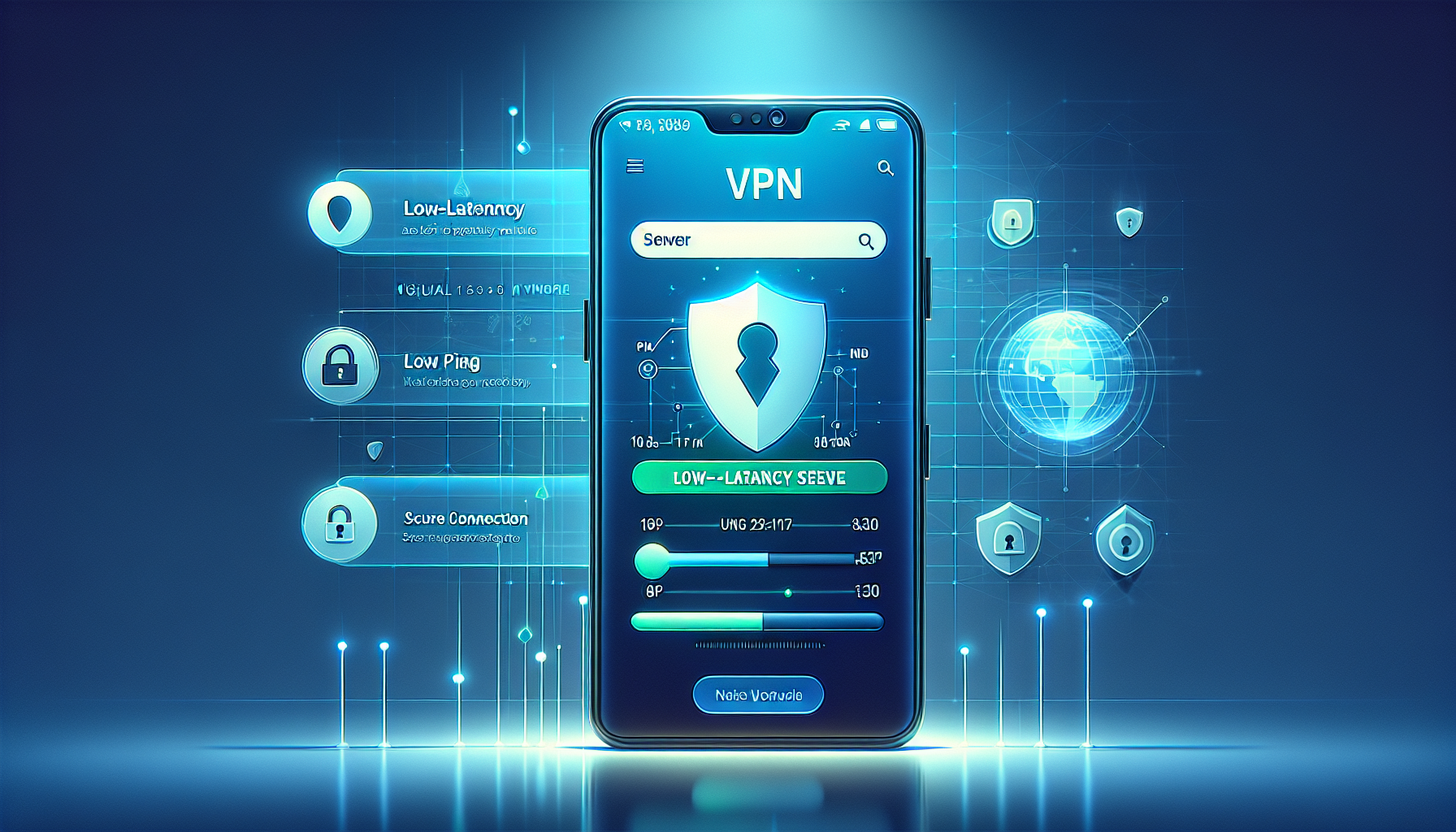
Choosing the right VPN server in Free VPN Grass on Android can dramatically improve speed, privacy, and access to geo-restricted content. This guide explains practical tips, step-by-step selection, and real-world trade-offs so you get the best connection for streaming, browsing, or secure work.
How to choose the right VPN server in Free VPN Grass on Android?
Picking the right server balances speed, privacy, and access. Free VPN Grass lists server locations, current load, and often labels optimized/fast nodes. Choose based on your priority: low latency for speed, specific country for unblocking content, or high privacy for sensitive work.
Key selection factors to consider:
- Proximity — shorter physical distance usually yields lower latency.
- Latency (ping) — the most direct measure of responsiveness.
- Server load — less crowded servers give better throughput.
- Country/location — choose the country required for content access.
- Protocol and encryption — affects battery use and speed on Android.
Nearby vs. Distant Servers: When to pick which?
A nearby server typically provides better speed and lower latency, ideal for gaming, video calls, and general browsing. A distant server is useful when you need to appear in a specific country or bypass region locks. Here’s how to decide quickly:
- Choose nearby servers for: fast streaming, gaming, and stable browsing.
- Choose distant/target-country servers for: accessing region-locked content, price comparison, or localized search results.
- Mix and test: try both and run a quick speed/latency test to confirm performance.
How server load and speed affect your connection
Server load and its network capacity are often more important than physical distance. A nearby server at 90% load can be slower than a slightly farther server at 10% load. Free VPN Grass typically shows server load indicators — use them.
Main impacts:
- High load — higher packet loss, slower throughput, and inconsistent speeds.
- Low load — steady throughput, lower jitter, and reliable streaming.
- Network routing — peering and backbone quality between your ISP and the VPN server matter.
Best server choices by use case
Select servers according to what you’re doing on Android. Below are recommended choices per common activities.
- Streaming HD/4K: Nearby low-latency server, high bandwidth node, and low load.
- Gaming: The absolute lowest ping server, even if in a nearby city; avoid servers with high jitter.
- Browsing & everyday use: Closest stable server with moderate load.
- Access geo-locked content: Server located in the target country and marked as unblocking if available.
- Privacy-sensitive tasks: Servers in privacy-friendly jurisdictions with minimal logging and strong encryption.
Step-by-step: Select the right server in Free VPN Grass
Open Free VPN Grass and view server list
Launch the Free VPN Grass app on your Android device. Tap the server/locations list to see available regions, real-time load indicators, and speed labels.
Define your primary goal
Decide whether you prioritize speed, unblocking content, or privacy. This choice narrows which country or proximity to prefer.
Check ping and server load
Use the app’s ping or speed indicator for each server. Prefer servers with low ping (ms) and low load percentage. If the app lacks ping, run a quick connection test after connecting.
Test connection performance
Connect to the shortlisted server and run a speed test or try streaming a short video. If performance is poor, switch to the next best server with lower load or closer proximity.
Save favorites and use smart-connect
Save the best servers as favorites in Free VPN Grass for quick access. Use any “smart connect” or “best server” feature to let the app auto-select based on latency and load.
Numbered checklist (quick):
- Open Free VPN Grass and view server list.
- Decide speed vs. location vs. privacy.
- Check ping and server load indicators.
- Connect and run a speed or streaming test.
- Save top servers and use smart-connect for future use.
Comparison: Server types and latency
Use this simple table to compare common server choices so you can decide quickly in the Free VPN Grass app.
| Server Location | Best For | Typical Latency | Notes |
|---|---|---|---|
| Local City / Country | Streaming, gaming, low-latency browsing | 10–50 ms | Usually fastest if load is low |
| Neighboring Country | General use, some streaming | 30–90 ms | Good balance between access and speed |
| Target Country (for unblocking) | Access geo-locked content | 80–250+ ms | Choose only when content requires it |
| Privacy-Focused Jurisdiction | High privacy tasks, anonymity | Varies widely | May be slower but offers jurisdictional privacy |
Tips:
- Always cross-check both ping and throughput; low ping alone doesn’t guarantee high bandwidth.
- If you experience frequent drops, try different protocols in Free VPN Grass if available (IKEv2, OpenVPN, WireGuard).
Frequently Asked Questions
How do I test which VPN server is fastest in Free VPN Grass?
Connect to candidate servers one at a time in Free VPN Grass and run a mobile speed test (download/upload and ping). Also try streaming short content to check real-world performance. Record results and choose the server with the best balance of low ping and high throughput.
Does choosing a farther server always mean slower speeds?
Not always. While distance often increases latency, server load and backbone routing can cause a nearby, overloaded server to be slower than a well-provisioned distant server. Check both load and ping in Free VPN Grass before deciding.
Which server should I pick for streaming Netflix or other services?
Select a server in the country where the streaming library is available. Prefer servers marked as optimized for streaming or with low load. If playback issues occur, test alternate servers in the same country until you find one that reliably unblocks content.
Does server choice affect my privacy on Android?
Yes. Server jurisdiction and the VPN provider’s logging policy affect privacy. Choosing servers in privacy-friendly countries can reduce legal exposure, but always pair server choice with a provider you trust. Free VPN Grass’s privacy policy explains logging practices.
What if Free VPN Grass shows no load or speed data for a server?
If indicators are missing, connect briefly and run a speed/ping test using a third-party app or a web-based tester. Monitor for drops or buffering and switch servers if necessary. Saving favorites of tested servers speeds future selection.
Conclusion
Choosing the right VPN server in Free VPN Grass on Android is a mix of objective metrics (ping, load, throughput) and your specific needs (speed, geo-access, privacy). Use the app’s indicators, run quick tests, and save favorites for consistent performance. With a little testing you’ll find the optimal server for every use case.
Ready to get started? Download Free VPN Grass today and enjoy secure, private browsing!
